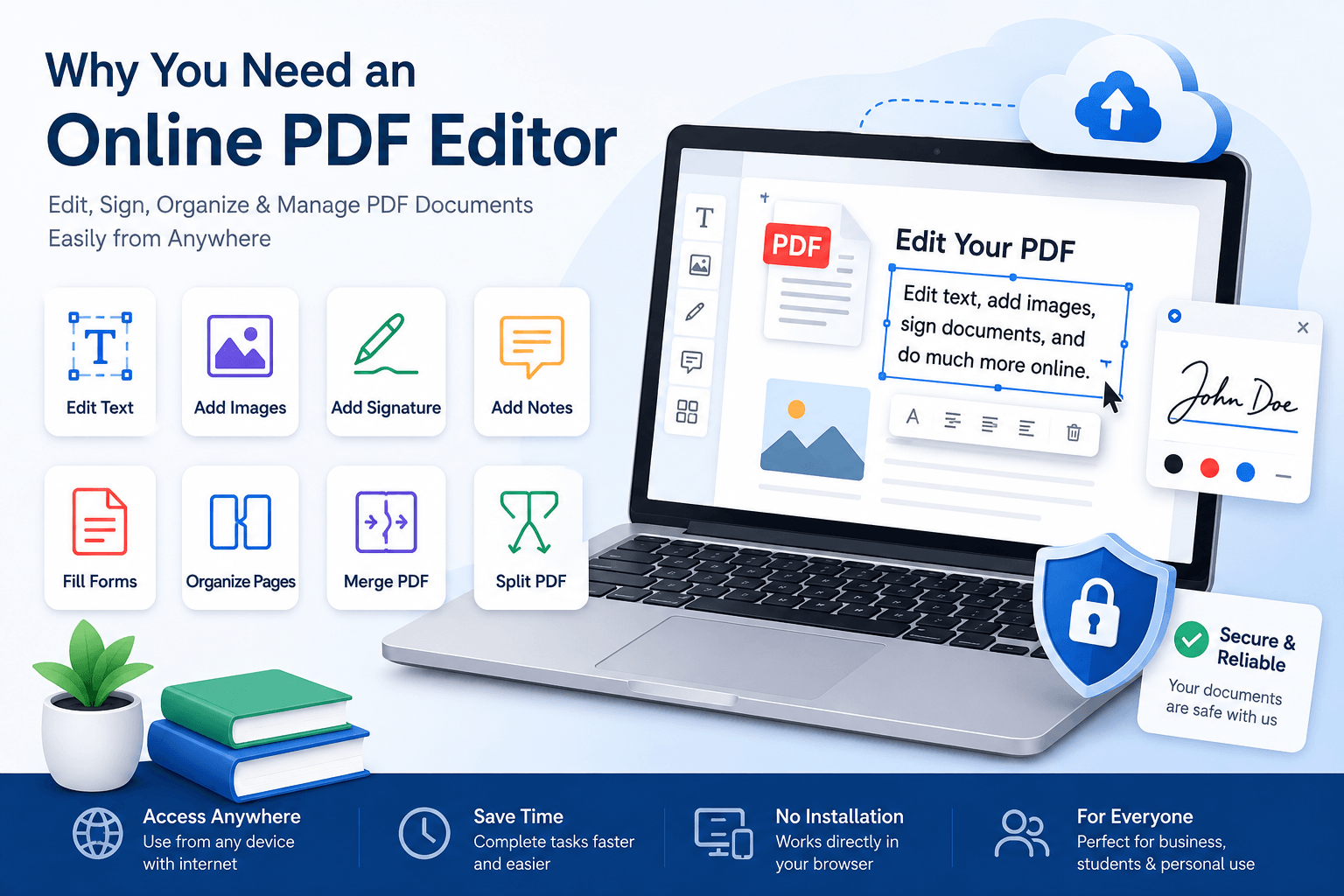
An online PDF editor provides a simple way to make changes to PDF files directly from your web browser. You can edit text, add images, fill forms, sign documents, highlight important information, and manage PDF pages without installing large software on your computer.
What Is an Online PDF Editor
An online PDF editor is a web based tool that allows you to work with PDF documents through your browser. Instead of downloading and installing a desktop application, you can upload your document, make the required changes, and save the updated file.
This can be useful for students, employees, business owners, freelancers, teachers, and anyone who works with digital documents regularly.
If you frequently work with PDF files, you can also learn more about online PDF tools and how they can make document management easier.
Why Is an Online PDF Editor Required
PDF files are designed to keep their layout consistent. This is useful when sharing documents, but it can make editing more difficult. A normal PDF reader may allow you to view and print a document, but it may not provide the tools needed to change the content.
An online PDF editor solves this problem by providing editing features in one place. You can access the tool from almost any device with an internet connection and work on your document without depending on a specific computer.
Edit PDF Files Without Installing Software
One of the main advantages of an online PDF editor is that there is no need to install additional software. This can save time and storage space on your computer.
You can open your browser, visit the PDF editing tool, upload your document, and start working. This is especially helpful when you are using a shared computer or a device where you cannot install new applications.
Work From Any Device
Online PDF editors are designed to work through web browsers. This makes them convenient when you need to work from different devices.
You can use an online PDF editor from a desktop computer, laptop, tablet, or supported mobile device. This flexibility is useful for people who work from home, travel frequently, or use multiple devices during the day.
Make Quick Changes to PDF Documents
Small changes to a document can become time consuming when you need to open a large desktop application. An online PDF editor can make these simple tasks faster.
For example, you may need to correct a name, update a date, add a missing piece of information, or insert a short note. Instead of recreating the document, you can make the required changes directly to the PDF.
Add Text and Images
Many online PDF editors allow users to add text and images to documents. This can be useful when you need to add contact information, a company logo, instructions, or additional details.
Adding information directly to the PDF can help keep the original document structure while making it more useful for the person receiving it.
Fill Out PDF Forms
PDF forms are common in businesses, schools, government services, and other organizations. Some forms are designed to be completed digitally, while others may require text to be added manually.
An online PDF editor can make it easier to enter information into forms without printing the document first. After completing the form, you can save and share the finished PDF.
If you often receive PDF forms, you may also find an online PDF form filler useful for completing documents more efficiently.
Add a Digital Signature
Signing documents is another common reason to use an online PDF editor. Businesses and individuals often need to sign agreements, applications, approvals, and other documents.
Depending on the tool, you may be able to create a signature and place it directly on the PDF. This can reduce the need to print, sign, scan, and send the document again.
Highlight and Add Notes
PDF editing is not only about changing existing content. Sometimes you need to review a document and mark important information.
Highlighting, adding comments, drawing, and inserting notes can make document reviews easier. These features can be useful for students reviewing study material and teams reviewing business documents.
Manage PDF Pages
Large PDF documents may contain pages that you do not need. An online PDF editor can help you manage the pages in a document.
Depending on the available features, you may be able to reorder pages, delete unnecessary pages, rotate pages, or combine pages from different PDF files.
For documents that need to be combined, an online PDF merger can help you create one organized PDF from multiple files.
Split Large PDF Documents
Sometimes a PDF contains more information than you need to share. Instead of sending the complete document, you can split it into smaller files.
A PDF splitter can be useful when you need to separate specific pages from a large document. This can make files easier to share, store, and organize.
Convert PDF Files When Needed
There are situations where editing a PDF directly is not the best option. You may need to convert the PDF into another format before making major changes.
For example, converting a PDF to an editable document can be useful when you need to make significant changes to the content. You can learn more about PDF to Text conversion and when it can be useful.
Save Time and Improve Productivity
The biggest benefit of an online PDF editor is convenience. Instead of using different applications for simple document tasks, you can complete many actions from one online platform.
This can help reduce repetitive work and make document handling faster. For businesses that process many documents, even small time savings can improve daily productivity.
Useful for Business and Personal Work
Online PDF editors are useful for both professional and personal tasks. Businesses can use them for contracts, invoices, reports, forms, and internal documents.
Students can use them for assignments, applications, study documents, and notes. Individuals can use them for resumes, forms, applications, and other personal documents.
What to Look for in an Online PDF Editor
Not every PDF editor offers the same features. Before choosing an online tool, consider what you actually need.
- Easy PDF editing
- Text and image editing
- PDF form filling
- Digital signatures
- Page management
- PDF merging and splitting
- File conversion
- Secure file handling
- Support for different devices
- Simple and clear user interface
Security Is Important
PDF files can contain private business information, financial information, personal details, or confidential documents. For this reason, security should be an important consideration when choosing an online PDF editor.
Before uploading sensitive documents, check how the service handles uploaded files, how long files are stored, and whether appropriate security measures are provided.
When Should You Use an Online PDF Editor
An online PDF editor is a good choice when you need to make quick changes without installing software. It can also be useful when you are working from a different computer or need to complete a document while traveling.
It is especially useful for simple editing tasks, filling forms, adding signatures, managing pages, and preparing documents for sharing.
Conclusion
PDF files are an important part of modern digital work, but editing them can be difficult without the right tools. An online PDF editor provides a convenient way to edit, sign, fill, organize, and manage PDF documents from a web browser.
Whether you are working on business documents, school assignments, forms, contracts, or personal files, an online PDF editor can save time and make everyday document tasks easier. Choosing a reliable tool with useful editing features and strong security can help you manage PDF files more efficiently.
Explore more ways to manage your documents with our PDF tools, including tools for merging PDFs, splitting PDFs, and PDF Editor.